
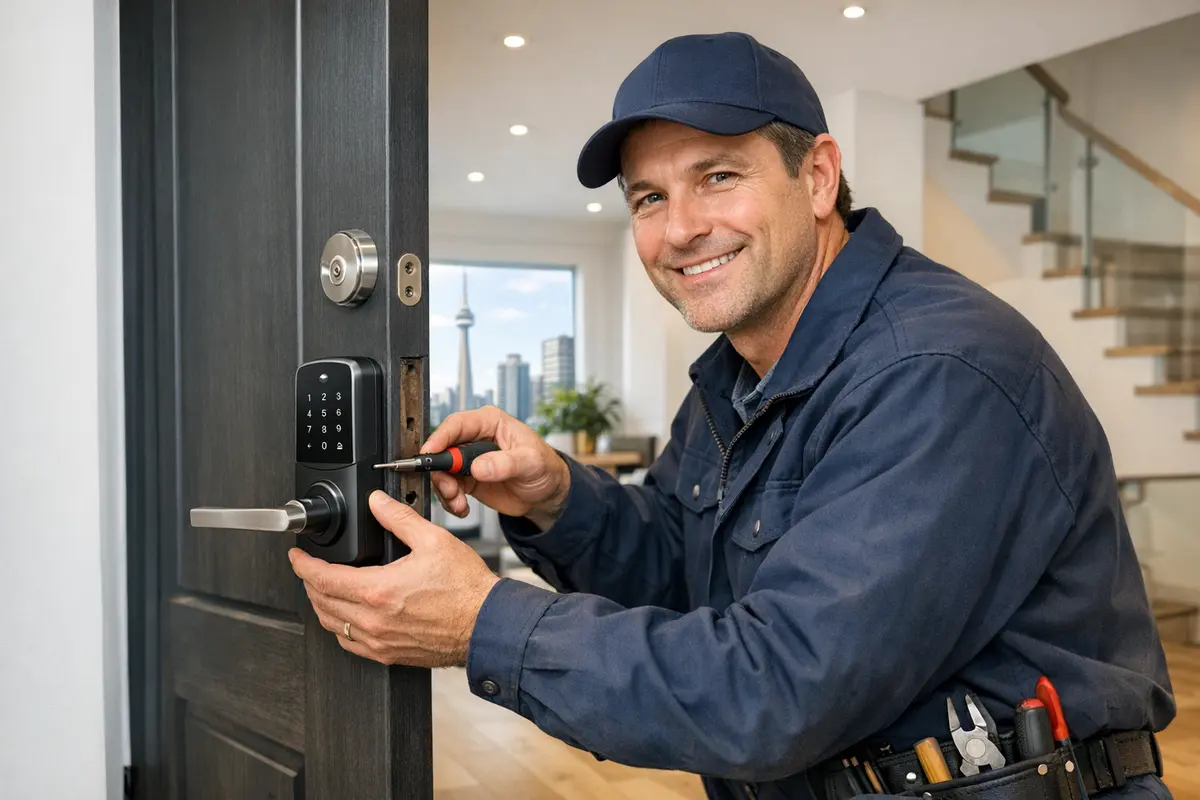
Will a smart lock fit my door?
Most smart deadbolts are made for the standard North American door prep, so they fit most Toronto front doors with little or no drilling. Check these before you buy:
| Measurement | Standard size | Why it matters |
|---|---|---|
| Backset (door edge to centre of the deadbolt hole) | 2-3/8 or 2-3/4 inches | Most smart deadbolts adjust to both. Anything else needs a different bolt or re-drilling. |
| Bore hole (the big hole through the door face) | 2-1/8 inches | Smaller holes on older doors get enlarged. Oversized holes from old hardware may need a cover plate. |
| Edge bore (hole for the bolt) | 1 inch | Has to line up with the bore hole so the bolt slides straight. |
| Door thickness | About 1-3/8 to 1-3/4 inches for most models | Thicker custom or heritage doors may need a thick-door kit or a different lock. |
| Space around the lock | Depends on the door | The inside unit is bulky. It can hit a storm door handle, a glass panel or trim close to the lock. |
Two Toronto-specific snags. First, many older Victorian and Edwardian houses, like those in the Annex and the west end, have mortise locks, a box lock set inside the door. Most smart deadbolts are built for bored doors, so a mortise door has fewer options. Second, a lot of front doors have a one-piece handleset, where the deadbolt and outside grip are linked. Swapping only the deadbolt can leave a gap or a useless thumb latch, so you may need a matching handleset too.
Before you buy, measure the backset and the door thickness, and note whether you have a storm door. Have those numbers ready when you call and we can tell you on the phone whether the model you're looking at will fit.
Why does deadbolt alignment matter so much for a smart lock?
A regular deadbolt only needs your wrist. A smart lock has a small motor. If the bolt rubs on the strike plate, the motor strains, the batteries drain in weeks instead of months, and you get "lock jammed" alerts or a bolt that stops halfway. A lot of smart lock problems come down to this, not the lock itself.
Toronto weather makes it worse. Wood doors swell in humid summers and shrink in dry, heated winter air. A bolt that slides freely in October can drag by January. Thick new weatherstripping can also push the door away from the frame.
During the install we:
- Close the door and throw the bolt by hand to feel for any drag
- Move or file the strike plate and deepen the strike hole if the bolt doesn't reach full extension
- Tighten or adjust sagging hinges so the door sits square in the frame
- Run the motor several times with the door closed, not just open on the bench
If your door has a bigger problem, like a split frame, we'll tell you. Those fixes are covered on our lock repair page.
Need smart lock installation now? A real person answers 24/7.
Call (647) 367-8113Wi-Fi, Bluetooth, Z-Wave or Zigbee: which smart lock should I get?
It comes down to two questions: do you want to lock and unlock from away, and do you already have a smart home hub? Here's how the options compare:
| Connection | Hub needed? | Control from away? | Battery life | Best for |
|---|---|---|---|---|
| Wi-Fi | No | Yes, through the app | Shorter, Wi-Fi uses more power | Most people. Simple setup with your home router. |
| Bluetooth | No | Only with a separate bridge or hub | Longer | Phone unlock when you're at the door. Fine if you don't need remote access. |
| Z-Wave | Yes (for example SmartThings, Hubitat, Home Assistant or some alarm panels) | Yes, through the hub | Long | Homes that already have a hub or a smart alarm panel. |
| Zigbee | Yes (a Zigbee hub or a smart speaker with one built in) | Yes, through the hub | Long | Homes already running Zigbee lights and sensors. |
Some newer locks also support Matter, a standard meant to work across Apple Home, Google Home and Amazon Alexa. It's worth having if you switch phones or systems, but check the box for exactly which features it supports.
In condos, Wi-Fi is the thing to check. Concrete walls and a router at the far end of the suite can leave the door with a weak signal. Stand at your door and check your phone's Wi-Fi bars. If it's weak, a model with a plug-in bridge near the door, or a mesh point in the hallway closet, works better than a lock that drops offline.
Keypad or fingerprint, and which brands do you install?
Keypads are the easiest to share. You can give a cleaner, contractor or dog walker their own code and delete it later. Wipe the pad now and then so worn or smudged buttons don't give your code away. Fingerprint readers are faster and there's no code to leak, but they can struggle with cold, wet or very dry fingers, so enroll two or three fingers per person and keep a code as backup.
These are the brands we install most often. We're not a dealer for any of them. We install what fits your door and your phone:
- August fits over your existing deadbolt on the inside and replaces the thumb turn. Your outside key still works. Popular with renters.
- Level hides the motor inside the door, so the lock looks like a normal deadbolt.
- Yale Assure comes in keypad and touchscreen versions, some with no key at all, and offers different connection modules.
- Schlage Encode has Wi-Fi built in, a keypad and a key cylinder for backup.
- Ultraloq combines fingerprint, keypad, app and key on one lock.
- Eufy makes fingerprint and keypad locks, several with Wi-Fi built in.
If you already bought a lock online, we'll install it. If you're unsure, call before you buy and we'll tell you what suits your door. Want new keys for your other doors too? Our lock rekeying service can often match them to the smart lock's cylinder.
Can I put a smart lock on my condo or rental door?
Often yes, but check the rules first. In a condo:
- Read the condo rules or ask management. Some buildings control what the corridor side of a suite door can look like.
- Your suite door is likely a fire door. It must still close and latch on its own after the install. We won't drill extra holes or remove the closer.
- Management may need a code or key for emergencies. Most smart locks let you create a dedicated code for them.
- The building's fob system stays the same. A smart lock on your suite door doesn't connect to the lobby, elevator or garage fobs, and we can't change or copy those.
In a condo, a slim keypad model is often easier to fit within building rules than a bulky one, and it won't stick out into a narrow corridor.
Renting? Ontario's rules say a tenant shouldn't change or add a lock without the landlord's consent, so ask first and get the answer in writing. Retrofit locks like August are a good fit for renters because the outside cylinder and the landlord's key stay the same. Keep every original part in a bag so you can put the old lock back when you move out.
How do smart locks handle Toronto winters and dead batteries?
Cold is hard on batteries. Expect them to drain faster from December to March, especially on a door that faces north or gets blasted by wind. A few habits help:
- Change batteries in the fall, not when the app first warns you in a cold snap.
- Use the battery type in the manual. Some brands say alkaline only, because lithium cells can die suddenly without the usual low-battery warning.
- Watch for ice. Freezing rain can glaze the outside keypad. Brush it clear rather than chipping at it.
- Mind the storm door. A glass storm door in afternoon sun can trap heat against the keypad. Some makers warn about this, so check before you install behind glass.
Always keep a backup way in. If your lock has a key cylinder, keep a physical key with a trusted neighbour or in a lockbox, not under the mat or in the car. Many keyless models have contacts under the keypad for a 9-volt battery, so you can power them from outside if the batteries die. Find out which backup your lock has on day one. If it still goes wrong, our home lockout service can get you in.
What happens when you call?
Tell us your door and your lock
Give us the brand and model (or what you want), whether it's a house or condo, and if there's a storm door.
Fit check on arrival
We measure the backset, bore and door thickness and test the bolt with the door closed before anything comes off.
Install and align
The lock goes on, and we adjust the strike and hinges until the bolt throws fully without drag.
Set up the app and codes
We pair the lock with your phone and Wi-Fi or hub, add user codes or fingerprints, and set auto-lock if you want it.
Show the backup
Before we leave, you change the batteries yourself once and test your backup key or 9-volt entry.
Page reviewed October 2026 by the LocksmithGT team.